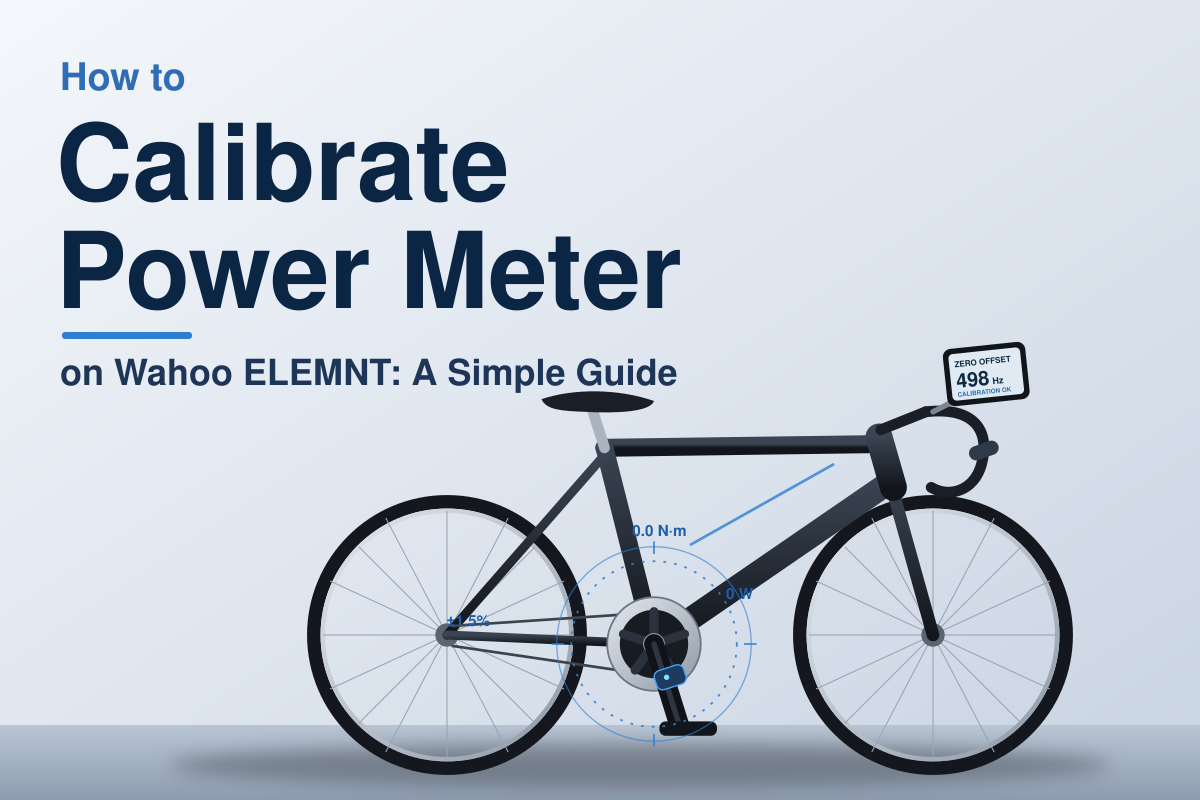
Calibrating a power meter on a Wahoo ELEMNT looks more complicated than it really is. The first thing I learned is that the ELEMNT does not actually “fix” the power meter itself. It sends the calibration command to the sensor, and the power meter performs the zero-offset or calibration process.
If your power numbers suddenly look too high, too low, or inconsistent, calibration is one of the first things worth checking. In this guide, I’ll walk through how to calibrate power meter on Wahoo ELEMNT, what to do before calibration, and what to check when calibration fails.
How to calibrate power meter on Wahoo ELEMNT
The basic process is quick. Your power meter needs to be awake and already paired with the ELEMNT. On older ELEMNT/BOLT/ROAM computers, Wahoo’s procedure uses the sensor menu and a Calib option.
| Step | What to do |
|---|---|
| 1 | Wake up the power meter |
| 2 | Open the ELEMNT sensor menu |
| 3 | Select the paired power meter |
| 4 | Choose Calib |
| 5 | Follow the power meter’s calibration instructions |
The important part is that the exact physical procedure after pressing Calib depends on your power meter. A pedal-based meter, crank meter, and spider-based meter may each have different zeroing requirements.
Start with the power meter awake
Before touching the ELEMNT, make sure the power meter is active.
For battery-powered meters, this may mean turning the crank or pedaling for a few seconds. If the sensor is asleep, the ELEMNT may not show the calibration option or may fail to communicate with it.
Wahoo also recommends keeping the sensor properly paired before attempting calibration.
| If you see | Check this first |
|---|---|
| Power meter missing | Wake the sensor and scan again |
| Calib unavailable | Check sensor connection |
| Calibration fails | Check battery and sensor instructions |
Use the ELEMNT sensor menu
On the classic ELEMNT interface, press the left-side Menu button. Then use the right-side button to find your paired power meter.
Select the power meter and choose Calib. The ELEMNT then sends the calibration command to the meter.
This is the part that confused me when I first looked into the process: the Wahoo computer is basically the messenger. It does not replace the manufacturer’s calibration procedure.
What should you do before calibrating a Wahoo power meter?
Good calibration starts before you press the button. I would not calibrate immediately after taking the bike from a cold room, changing the pedals, or doing anything that could change the sensor’s mechanical condition.
Temperature can affect power-meter accuracy, and Wahoo specifically notes this for SPEEDPLAY POWER pedals.
| Before calibration | Why it matters |
|---|---|
| Wake the meter | Ensures the sensor can receive the command |
| Check battery | Low power can cause connection problems |
| Keep bike stable | Prevents unwanted force on the sensor |
| Follow sensor instructions | Each power meter can calibrate differently |
Keep your feet off the pedals
For a zero-offset calibration, the power meter generally needs to measure a resting condition.
That means don’t sit on the bike or push down on the pedals while the calibration is running unless your power meter’s instructions specifically tell you otherwise.
This small detail is easy to overlook. A little force during calibration can affect the zero reference.
Check the crank length when required
Some power meters, especially pedal-based systems, use crank-length information as part of their setup.
For example, Wahoo’s SPEEDPLAY POWER instructions specifically tell users to confirm crank length before performing a zero-offset calibration.
If your power meter has a crank-length setting, make sure it matches your actual crank before trusting the numbers.
Why does my Wahoo ELEMNT show a different power reading?
This is one of the most useful things to understand before chasing a calibration problem.
Two correctly working power meters can show different numbers. Wahoo explains that differences can come from factors such as drivetrain losses, transmission, wireless interference, temperature, sensor location, and accuracy tolerances.
| Situation | What it means |
|---|---|
| Small difference | Often normal |
| Large sudden change | Worth troubleshooting |
| Same meter varies over time | Check calibration and conditions |
For example, comparing a pedal-based power meter with a smart trainer does not create a perfect apples-to-apples test. They measure power at different points.
So I would not recalibrate repeatedly just because one device says 210 W and another says 220 W.
Power meter calibration vs KICKR spindown
This is another common source of confusion.
A power meter calibration and a KICKR spindown are not the same thing.
A power meter uses its own calibration or zero-offset process. A compatible Wahoo smart trainer can have a separate spindown procedure.
| Calibration type | Used for |
|---|---|
| Power meter zero offset | Bike power meter |
| Spindown calibration | Certain smart trainers |
| Auto calibration | Some newer sensors/trainers |
Wahoo says KICKR models from V5 onward, MOVE, and CORE use continuous calibration and do not require the older regular spindown process. Older KICKR v4 and earlier models have different requirements.
If you’re trying to calibrate a KICKR rather than a separate power meter, the correct process is different.
When a KICKR spindown is actually needed
For older compatible KICKR, CORE, and SNAP models, Wahoo provides a spindown procedure through ELEMNT or the Wahoo app.
For example, older KICKR v4, CORE, and SNAP units can receive a spindown command from an ELEMNT.
Newer trainers should not automatically be treated like older trainers. That’s a mistake I would avoid because the calibration method depends heavily on the trainer generation.
What if the power meter calibration fails?
Don’t immediately assume the power meter is broken.
Start with the simple checks. Make sure the sensor is awake, has enough battery, and is connected to the correct ELEMNT sensor profile.
| Problem | Practical check |
|---|---|
| Sensor not found | Wake and reconnect it |
| Calibration fails | Check battery and sensor position |
| Numbers seem wrong | Repeat zero offset correctly |
| Trainer and meter disagree | Compare accuracy limits |
If the problem continues, check the manufacturer’s calibration instructions. Wahoo notes that the actual recalibration procedure is specific to the power-meter manufacturer.
I would also avoid repeatedly pressing calibrate without understanding what the sensor is asking you to do. More calibration attempts do not automatically mean better accuracy.
Why SPEEDPLAY POWER needs a slightly different approach
If you’re using Wahoo SPEEDPLAY POWER pedals, there are a few extra details worth knowing.
Wahoo recommends manually calibrating the pedals before riding. When the pedals are newly installed, Wahoo recommends 2–3 quick standing starts before the first calibration so the mechanical parts can settle into their normal position.
The pedals can also perform automatic calibration after a ride when the bike remains upright and untouched for more than 30 seconds.
| SPEEDPLAY POWER detail | Recommended action |
|---|---|
| New installation | Do 2–3 standing starts |
| Before riding | Perform manual calibration |
| After a ride | Leave bike upright and untouched |
This is a good example of why copying calibration instructions from another power meter can cause problems.
What I would check when power numbers still look wrong
Calibration is only one part of accurate power data.
If your readings still look strange after a successful calibration, I would work through the problem in this order:
- Check the power-meter battery.
- Confirm the correct sensor is paired.
- Check firmware.
- Confirm crank length if your meter uses it.
- Repeat the zero-offset calibration correctly.
- Compare readings over several rides rather than one short effort.
- Check the power-meter manufacturer’s accuracy guidance.
Wahoo also recommends updating firmware when troubleshooting power-data problems.
The biggest lesson here is not to judge a power meter from one unusual number. Consistency from the same meter is often more useful than expecting two different devices to show exactly the same watts.
Can you calibrate a power meter from the Wahoo app?
Yes, depending on the sensor.
The Wahoo app can manage connected sensors and expose calibration functions when the sensor supports them. Wahoo’s current app documentation also shows calibration controls for compatible smart trainers and SPEEDPLAY POWER pedals.
| Method | Best use |
|---|---|
| ELEMNT | Quick calibration before a ride |
| Wahoo app | Sensor setup and detailed controls |
| Manufacturer app | Sensor-specific calibration or advanced settings |
For a simple pre-ride zero offset, using the ELEMNT is often the most convenient option when your power meter supports it.
Final thoughts
Learning how to calibrate power meter on Wahoo ELEMNT is mostly about understanding what the ELEMNT actually does. It sends the calibration command; your power meter handles the calibration itself. The exact steps after that depend on the sensor.
My main advice is to calibrate under the conditions recommended by your power-meter manufacturer, keep the sensor properly configured, and don’t panic over small differences between two power sources. A successful calibration does not mean every device will display identical watts.