If your electricity has gone off and you have a smart meter, you may not need to wait for a technician. In many cases, the meter can reconnect power remotely or let you restore it from the meter itself. The tricky part is knowing why the power went off first.
When I looked into how to turn electricity back on with a smart meter, I found that the process is not the same for every utility or meter. Some smart meters reconnect automatically after a payment. Others show a message and require a button press. If there is a fault, though, trying to reconnect it again and again is not the right move.
Before trying to turn electricity back on with a smart meter
The first thing I would check is whether the outage affects the whole property or just part of it. This simple check can save a lot of time.
Look at a few lights and outlets. If everything is dead, check whether your neighbors have power. If only some circuits are off, the smart meter may not be the problem.
| What you notice | Likely cause |
|---|---|
| Whole home is off | Meter disconnect, utility outage, or supply issue |
| Only some rooms are off | Tripped circuit breaker |
| Neighbors are also without power | Local utility outage |
| Meter display is working | Meter still has power |
If the meter screen is completely blank, do not assume you can simply switch electricity back on. There may be a supply problem upstream of the meter.
Check the breaker panel first
This is one step people often skip.
A tripped breaker can make it look like the smart meter has disconnected the property. Look for a breaker sitting between the normal ON and OFF positions. Reset it only if there are no signs of burning, smoke, water, sparking, or a damaged appliance.
If a breaker trips again immediately, leave it off. That usually means there is an electrical fault that needs attention.
How to turn electricity back on with a smart meter after payment
This is one of the most common situations. A prepaid or remotely managed smart meter may disconnect the supply when the available credit reaches zero.
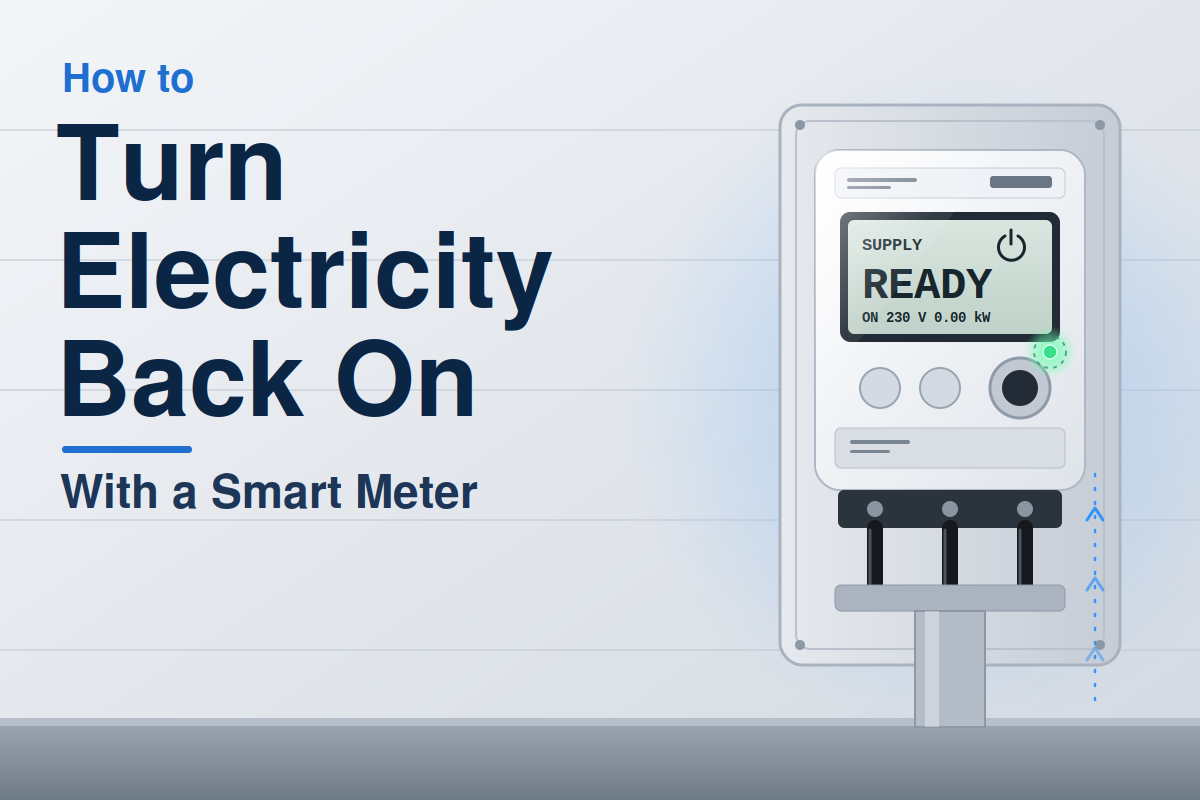
After adding credit, the meter may reconnect by itself. In other cases, you need to confirm the reconnection on the meter.
The exact button and message vary by meter model and utility.
| Situation | What may happen |
|---|---|
| Payment accepted | Meter reconnects automatically |
| Credit added but supply stays off | Meter may require confirmation |
| Payment not registered | Contact the electricity provider |
| Meter shows a fault | Do not repeatedly reconnect |
I would wait a few minutes after payment before pressing anything. A payment can take time to reach the meter, especially when the utility’s system is busy.
Look for a reconnect message
Some smart meters display messages such as a low-credit warning, disconnected status, or an instruction to press a button.
Follow the instructions shown on the screen rather than guessing which button to use.
If the meter asks you to reconnect and there are no obvious electrical problems, follow the meter’s instructions. If it gives an error, stop there and contact the utility.
What to do when the smart meter has disconnected itself
A smart meter can disconnect electricity for reasons other than unpaid bills.
For example, a prepaid meter may disconnect when credit runs out. A utility may also remotely disconnect a supply for account-related reasons. Some systems can detect certain abnormal conditions.
This is where I think people can get into trouble by assuming every outage is simply a payment issue.
| Meter behavior | Better response |
|---|---|
| Low credit warning | Add credit |
| Disconnected after zero balance | Add credit and follow reconnect instructions |
| Fault or error message | Contact utility |
| Repeated disconnection | Investigate the cause |
| Burning smell or heat | Stay away and get professional help |
A smart meter is not a repair device. Its ability to switch power does not mean it can safely fix an electrical fault.
Why your smart meter may not turn the electricity back on
Sometimes everything looks normal, but the power still does not return.
One common reason is that the meter has not received the latest account or payment information. Another is a fault somewhere between the meter and your home’s electrical system.
There may also be a wider outage that has nothing to do with your individual meter.
Check the meter display carefully
The display can provide useful clues. Take a moment to read the message instead of repeatedly pressing buttons.
| Display or symptom | What it may mean |
|---|---|
| Credit available | Supply may be ready to reconnect |
| Zero credit | More credit may be required |
| Error/fault message | Technical problem |
| No display | Meter or supply issue |
The exact wording differs between manufacturers. If you can see a meter number or error code, keep it handy when contacting your electricity provider.
A mistake I would avoid: repeatedly forcing reconnection
One of the easiest mistakes is assuming that pressing the reconnect button several times will eventually solve the problem.
It may not.
If there is a genuine electrical fault, repeatedly restoring power can make the situation less safe. This is especially important if an appliance has failed, a socket is damaged, or water has reached electrical equipment.
A better approach is to identify the reason for the disconnection first.
| Mistake | Better approach |
|---|---|
| Pressing reconnect repeatedly | Read the meter message |
| Assuming it is always unpaid credit | Check for outages and faults |
| Resetting a breaker repeatedly | Leave it off if it trips again |
| Opening the meter | Never do this yourself |
The meter itself should not be opened or tampered with. The utility or a qualified professional should handle equipment that is sealed or otherwise restricted.
Can you turn electricity back on remotely?
In many smart-meter systems, yes. Remote connection and disconnection are major benefits of smart metering.
But remote control does not mean every situation can be fixed remotely.
For example, a utility may be able to reconnect a customer’s meter after a payment is processed. It cannot remotely repair a damaged cable inside the house or a faulty appliance.
Smart meter versus traditional meter
The difference becomes especially clear during reconnection.
| Feature | Smart meter | Traditional meter |
|---|---|---|
| Remote connection | Often available | Usually not |
| Usage data | Automatic | Manual reading |
| Prepaid balance | Often supported | Depends on system |
| Fault messages | May be displayed | Limited |
This is one reason smart meters can make simple service issues much easier to manage.
What if the electricity goes off again after reconnecting?
If the power returns and then immediately cuts out again, I would stop trying to restore it.
That pattern matters.
It could point to an overloaded circuit, a faulty appliance, a wiring problem, or another condition that should be checked rather than ignored.
Try to remember what was running when the electricity failed. If a heater, air conditioner, water pump, or other high-power appliance was operating, that detail may help identify the problem.
Do not keep switching the supply back on if you notice:
Those are signs to stop and get qualified help.
When you should contact the electricity provider
There is a point where troubleshooting at home stops being useful.
If you have added credit, checked the breaker, confirmed there is no wider outage, and the smart meter still will not reconnect, contact the electricity provider.
Have your account information and meter details available. If the meter shows an error code, give them the exact message.
| Problem | Who should handle it? |
|---|---|
| Payment or account issue | Electricity provider |
| Remote meter reconnection | Electricity provider |
| Damaged house wiring | Qualified electrician |
| Repeated breaker trips | Qualified electrician |
| Utility-wide outage | Electricity provider |
This distinction saves time. The utility handles the meter and supply side. An electrician handles electrical problems within the property’s wiring and equipment.
The safest way to restore power with a smart meter
The basic process is fairly simple when there is no electrical fault:
- Check whether the outage affects the whole property.
- Check for a wider utility outage.
- Check the electrical panel for a tripped breaker.
- Check the smart-meter display.
- If applicable, add credit or confirm your payment.
- Follow the meter’s reconnect instructions.
- If it shows an error or repeatedly disconnects, stop and contact the utility.
The important lesson is that how to turn electricity back on with a smart meter is not really about finding one universal button. It is about identifying why the supply was disconnected and then using the correct reconnection method for your meter.
Final thoughts
Smart meters can make restoring electricity much easier, especially when the problem is simply low prepaid credit or a remote disconnection. But they can also make a fault look deceptively simple because the meter itself has a reconnect function.
My biggest takeaway is to treat the meter message as useful information, not something to ignore. If the power will not stay on, or anything looks unsafe, stop trying to reset it. A few extra minutes spent checking the cause is far better than turning a small electrical problem into a dangerous one.